
Reviews / Computing
Laptops for the home office: compare the complete working setup
Ports, display needs and desk peripherals matter alongside portability when choosing a computer for everyday work.

The everyday case
A home-office laptop needs to serve two places: the desk where you work most often and the places you carry it. A lightweight machine is only part of the decision if each desk session requires several adapters.
What matters before you buy
Start with your essential applications and their supported operating systems. Then list the displays, webcam, storage devices and other peripherals you will connect. Memory and storage configuration can have long-term consequences when upgrades are restricted, so compare the exact configuration rather than a family’s starting price.

Living with it
Check the manufacturer’s battery and ventilation guidance. A tidy-looking desk arrangement should not block cooling. For a used or refurbished machine, confirm the model year, operating-system support, battery condition and seller’s return terms. A familiar model name may cover several very different generations.
Compare the alternatives
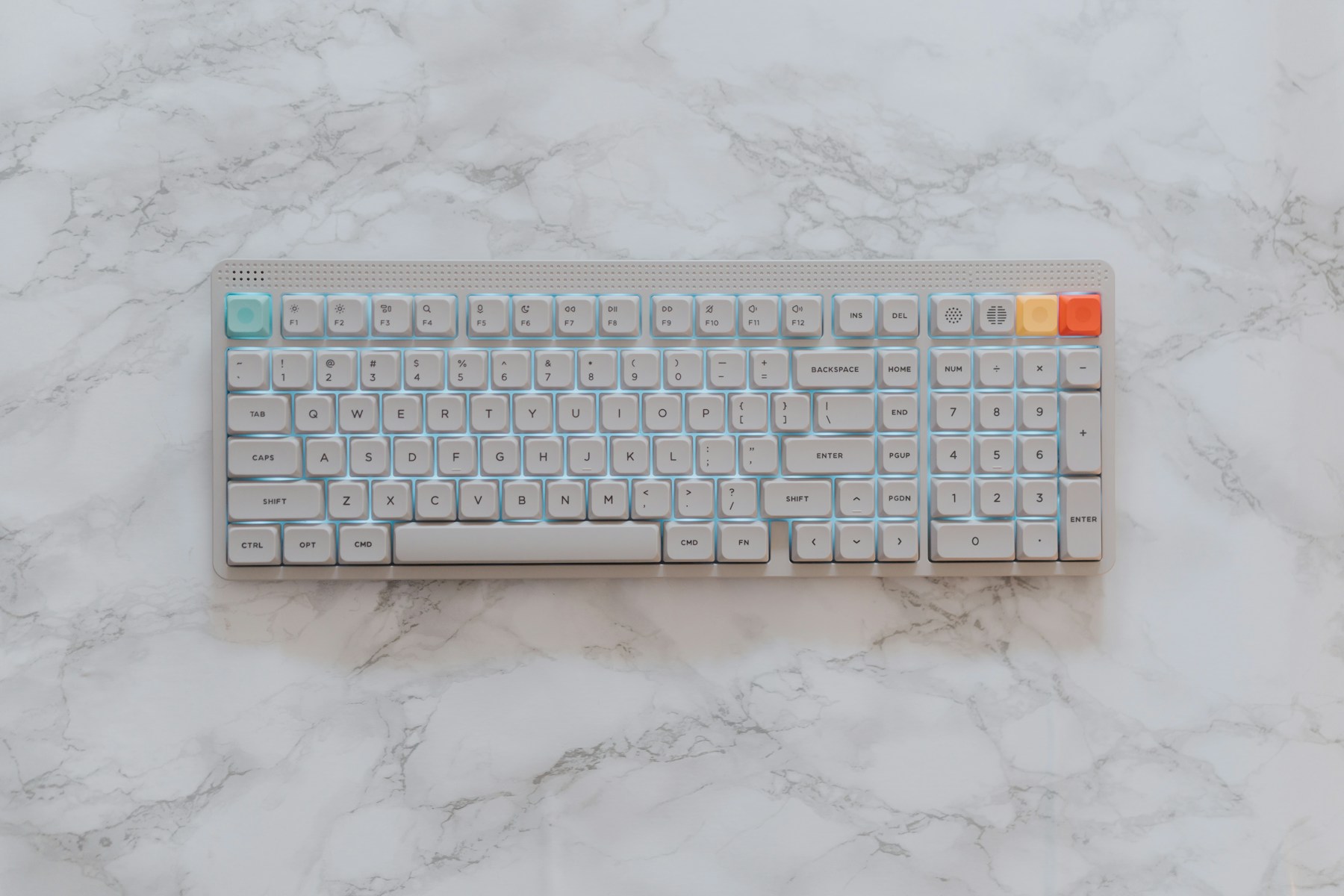
A desktop may suit a permanent workspace, while a laptop gives flexibility between rooms and travel. Compare both as complete setups with the same display and input devices. A low initial computer price can stop looking low after adding the connections you need.
Pros
- Portable between work locations
- Integrated screen and input devices
- Can join a larger desk setup
Cons
- Some designs restrict upgrades
- Adapters can add cost and clutter
- Generation and configuration affect suitability
Who should buy?
Remote workers who genuinely need mobility alongside a desk-based routine.
The Homgauge conclusion
Choose around applications, ports and support life. Compare the full working setup rather than treating portability or processor branding as the whole purchase.
Reference & buying checks
Manufacturer range, support or care information →
Reference is supplied for further checking, not as evidence that we tested every product in a range. Confirm the exact model, regional specifications, price, warranty and included accessories with the seller. No live price or discount is claimed here.